The Documentation That Saves Your Sunday: Why Network Organization Isn't Optional
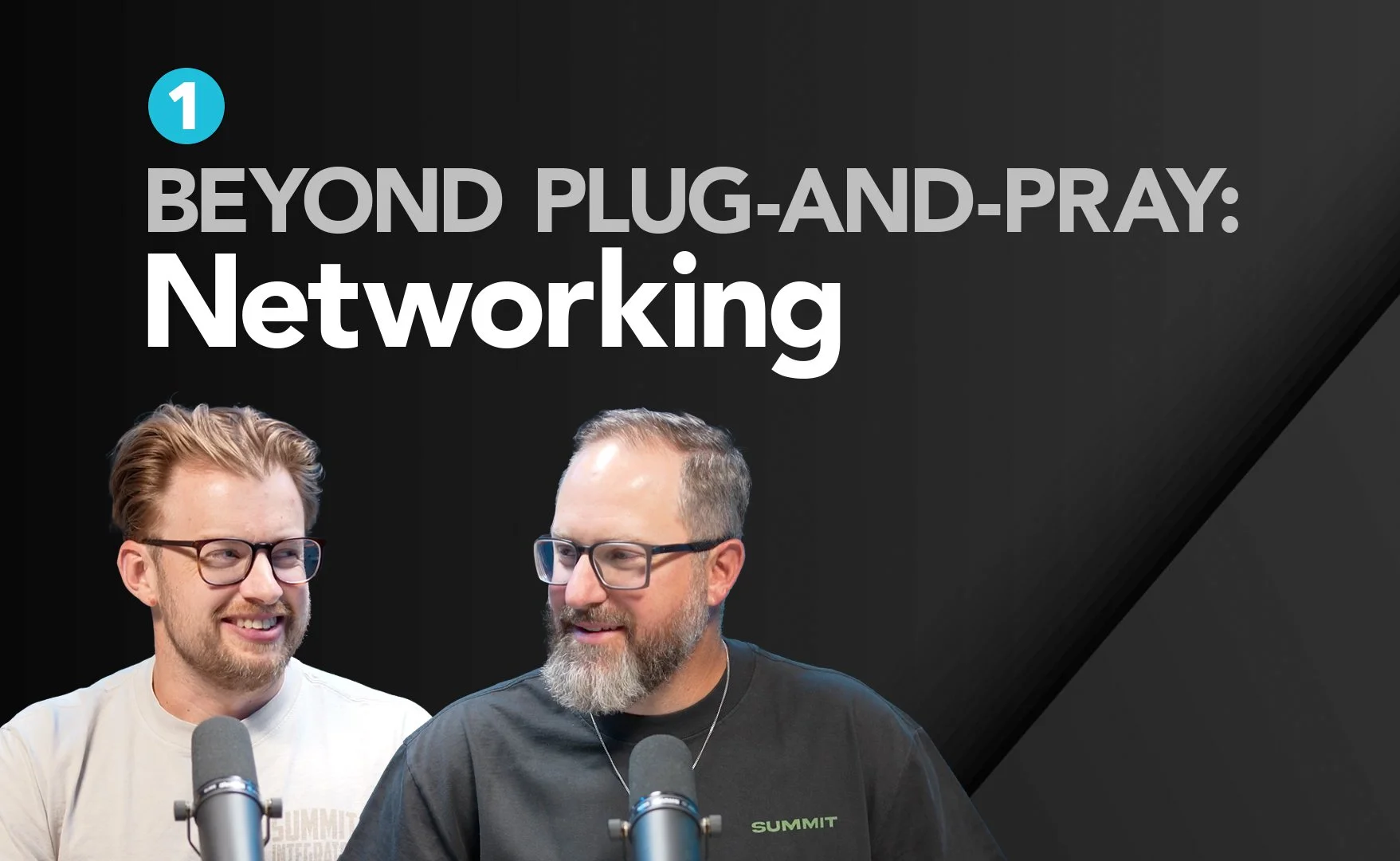
"Everything rides on this thing," our engineer Matt Strong reminded us recently. He was talking about church networks – and he wasn't being dramatic.
When Good Intentions Meet Poor Documentation
Picture this: It's 9:47 AM on Sunday. Your well-meaning volunteer – heart of gold, technical knowledge of a golden retriever – notices something's not quite right with the audio feed. So naturally, they "help" by moving some cables around.
Suddenly, your Dante network crashes. Your console factory resets itself. And you've got three minutes to figure out why your primary and secondary audio paths just became best friends in the worst possible way.
Matt's lived this nightmare: "Usually it's a high-capacity volunteer with a great heart who says, 'I helped by moving this Dante port.' And it turns out he moved both primary and secondary ports into the same switch and crashed everything."
The Real Cost of Wing-It Networks
Here's what we've learned from years of walking into churches with "organic" network setups: hoping isn't a strategy.
When you're running hundreds of IP addresses across multiple subnets – which is standard now for any serious AVL installation – letting DHCP figure it out is like playing Russian roulette with your Sunday service. You'll plug something in, it won't work, and you'll spend your Saturday night trying to figure out which of the 473 other devices is causing the conflict.
Documentation That Actually Works
We're not talking about some theoretical IT manual that lives in a filing cabinet. We're talking about practical, accessible documentation that saves the day when things go sideways.
IP Address Management: Know where everything is. Some churches love reserved addresses – "my audio console is always here, my video switcher is always there" – while others prefer dynamic assignment. Either works, but pick one and stick with it.
Color-Coded Physical Infrastructure: Red cables don't go to yellow ports. Streaming ACN doesn't play nice with Dante. Having visual organization means your helpful volunteers can't accidentally create chaos by mixing protocols that hate each other.
Change Tracking: When someone moves something, updates something, or "fixes" something, it gets documented. Immediately. Not next week. Not when you remember. Now.
The Multi-Campus Advantage
Some of our smartest clients run identical network configurations across all their campuses. Same IP schemes, same device locations, same everything. Why? Because when their tech director walks into any campus, they know exactly where to find what they need.
It's like having a network that speaks the same language everywhere you go. Elegant, efficient, and surprisingly rare.
Why This Matters More Than Ever
Matt put it perfectly: "Everything rides on this thing. So being 'not caring about it' kind of isn't an option. You have to care about it. And caring about it is taking care of it."
Today's church networks aren't just carrying your internet browsing. They're handling:
96 channels of Dante audio
Multiple KVM systems each pushing a full gigabyte
Lighting control data
Video transport
Broadcast feeds
And yes, someone's printer
When any of this fails, your service fails. When your service fails, your mission takes a hit.
The Minimum Viable Documentation
You don't need a PhD in network engineering. You need:
An accurate IP address spreadsheet (Google Sheets works fine – it's free, collaborative, and accessible from anywhere)
Physical port documentation (what's plugged into what, with colors and labels that make sense)
A change log (who moved what, when, and why)
Emergency contact info (who knows how to fix this when it breaks at 9:47 AM)
The Bottom Line
Documentation isn't glamorous. It doesn't make the lights brighter or the sound clearer. But it's the difference between a minor hiccup and a complete Sunday morning meltdown.
As Matt reminded us, "Documenting it has become really important for us every time we do any kind of network install."
Because when everything's working perfectly, nobody thinks about the network. But when it's not? Well, that's when good documentation transforms from boring paperwork into your salvation.
Take care of the thing that everything rides on. Future you – and your Sunday morning volunteers – will thank you.
If this sparked ideas, check out the full Gear Follows Vision podcast here. Ready to get your network documentation sorted before something goes sideways? We've seen every version of network chaos imaginable, and we know what actually works. Let's build you something that serves your mission instead of sabotaging it – let’s connect.